
Name the need
Choose the room and the friction you notice most. One problem makes the first step manageable.
Rooms · routines · useful decisions
Plan · Reset · Rest
Choose a room, the problem you want to solve, and the time you have. Get a practical reset with useful guides for your next step.
Start your resetFree to use · No account · Photo stays in this browser
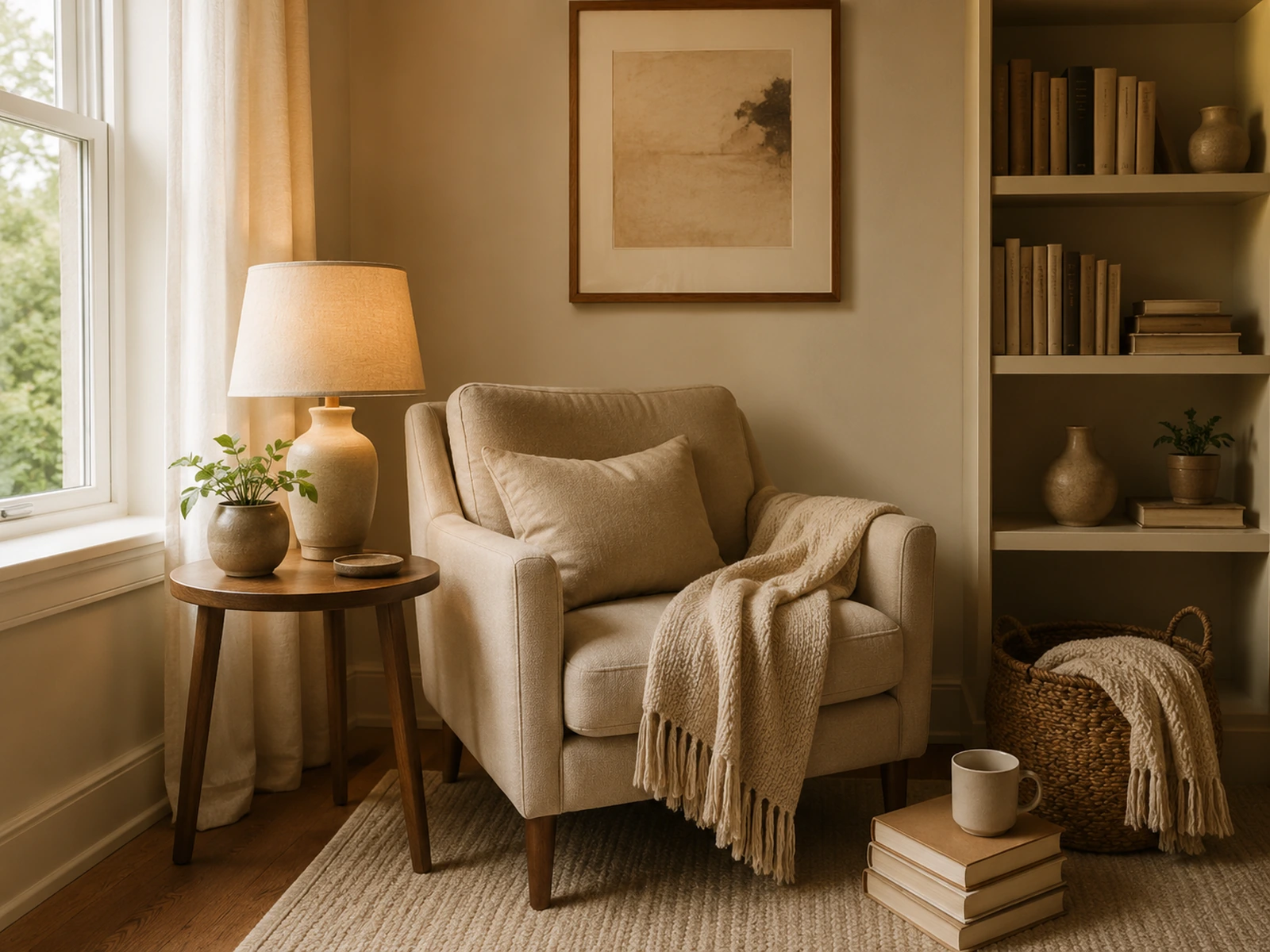
Your photo appears here. You can also begin without one.
The photo is a visual reference for you. The plan uses your answers; it does not inspect or upload the image.
A practical starting point
Choose the room and the friction you notice most. One problem makes the first step manageable.
Pick a realistic window. A $0 reset can start with rearranging, clearing, or changing a light you own.
Use your priorities, then continue to a focused article for storage, lighting, bedding, a desk, or a reading corner.
Keep exploring
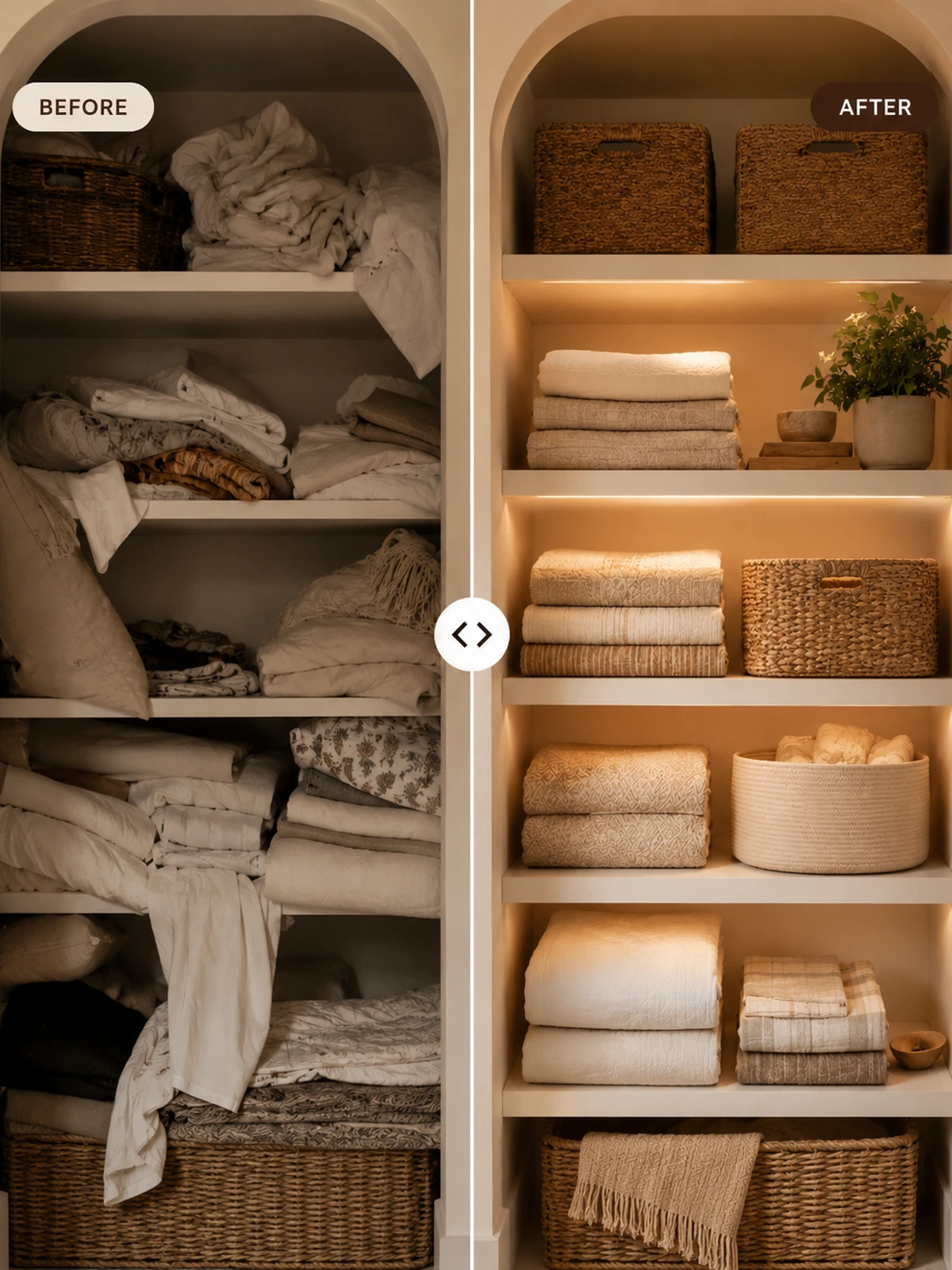 Small Storage ChangesStart with one practical return zone.
 Warm Lighting IdeasLayer softer light for the evening.
 Layer Bedding Like a DesignerBuild a calmer bed with simple layers.Reading Nook EssentialsGive one quiet corner a clear purpose.
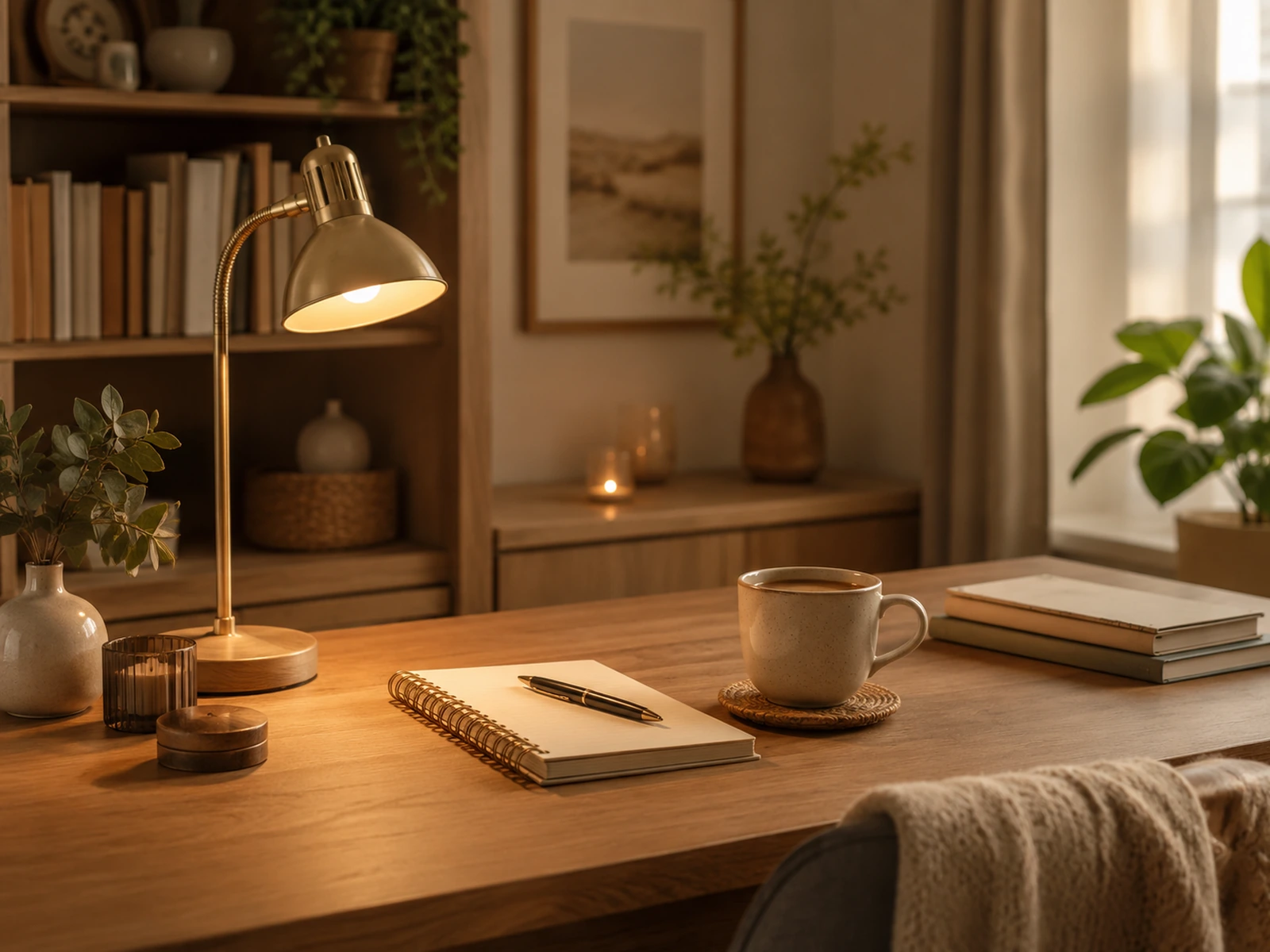 Cozy Desk SetupMake your workspace easier to reset.
 Evening ResetCarry the change into a nightly routine.
Before you begin
No. It creates a practical checklist from your selected answers. The photo is a local preview, not an input to image analysis.
No. This version previews your photo in your browser only. It is not sent to this site.
Four priorities, storage, lighting, and texture suggestions, plus relevant guides you can read next.