Free cozy tools

Interactive tools for calmer rooms and softer routines.

Start with one simple tool, get a practical reset plan, then follow the smartest internal guide route for storage, lighting, bedding, corners, desks, and evening calm.

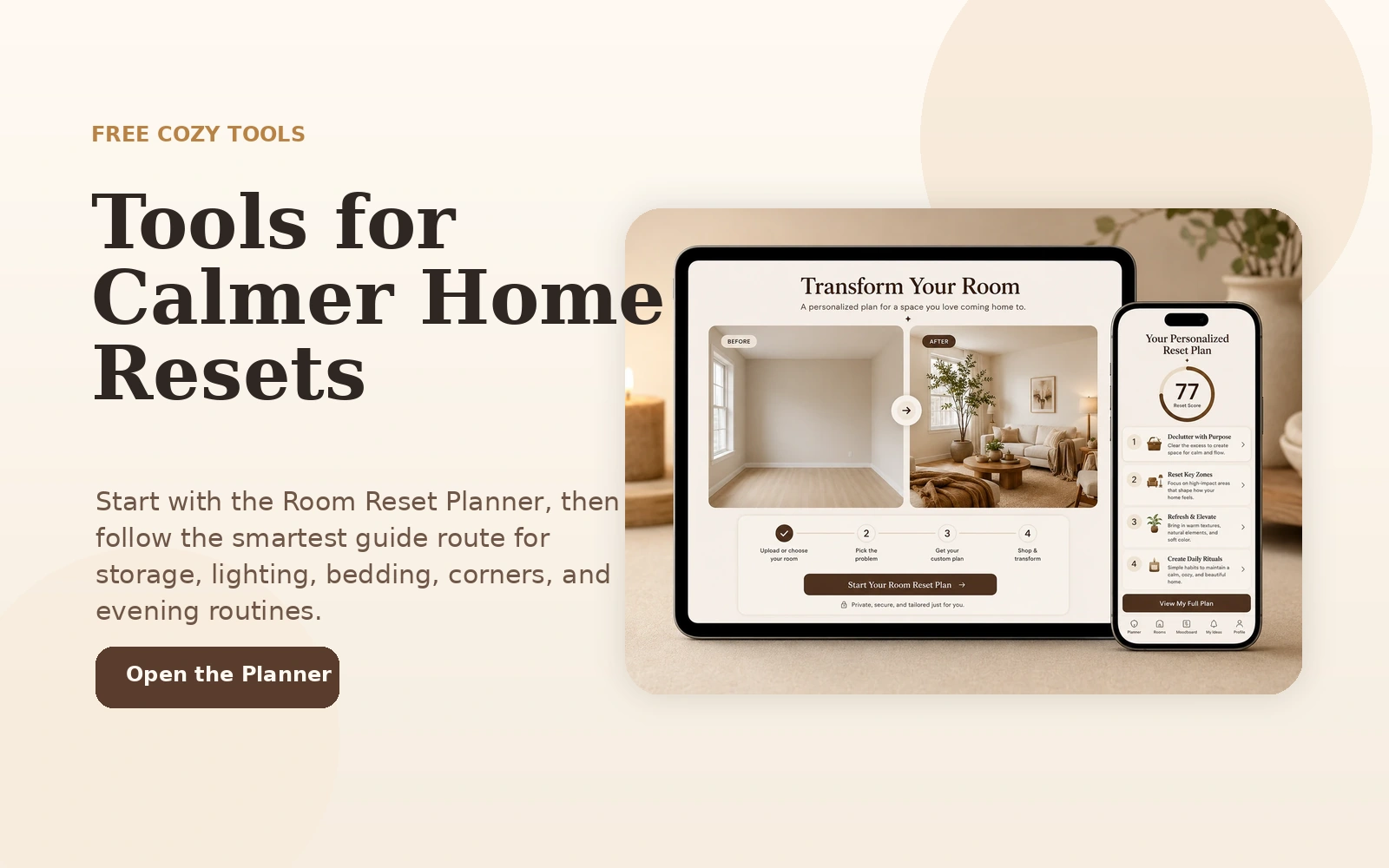
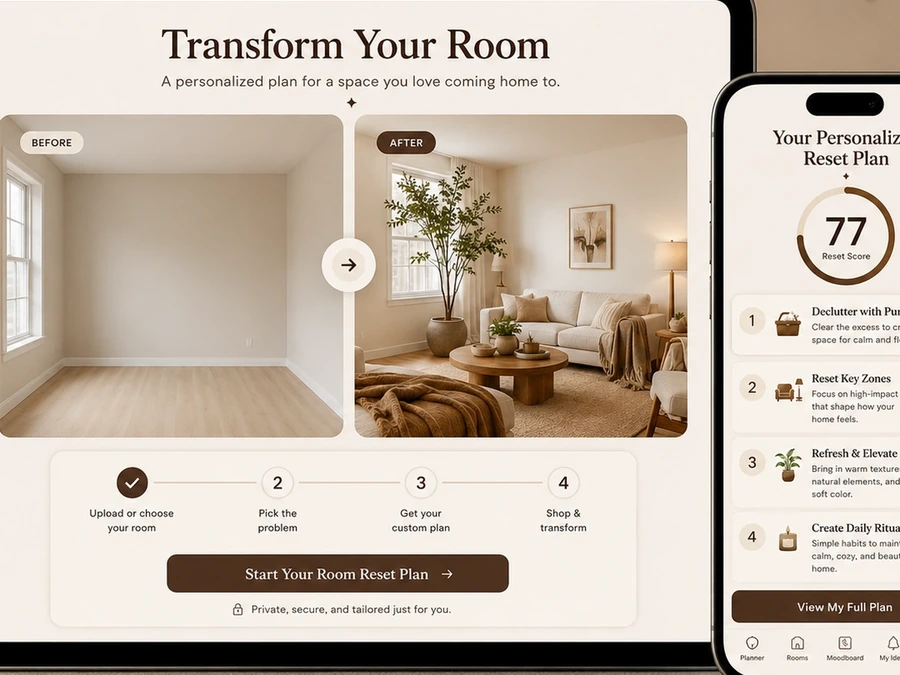
Free cozy tools overview with a warm room reset planner preview

Featured interactive tool

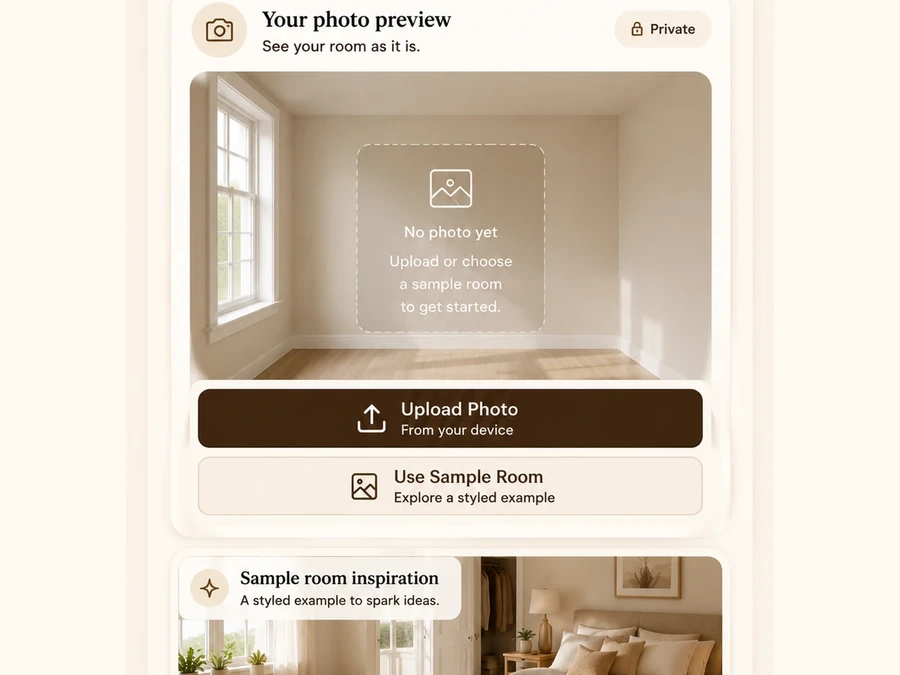
This is the main tool route: a local photo preview, a short quiz, a personalized plan, and recommended guides that keep the visitor inside TheTimeFlowHQ.

Local photo preview step

1. Preview locally

Your photo stays in the browser in this static version.

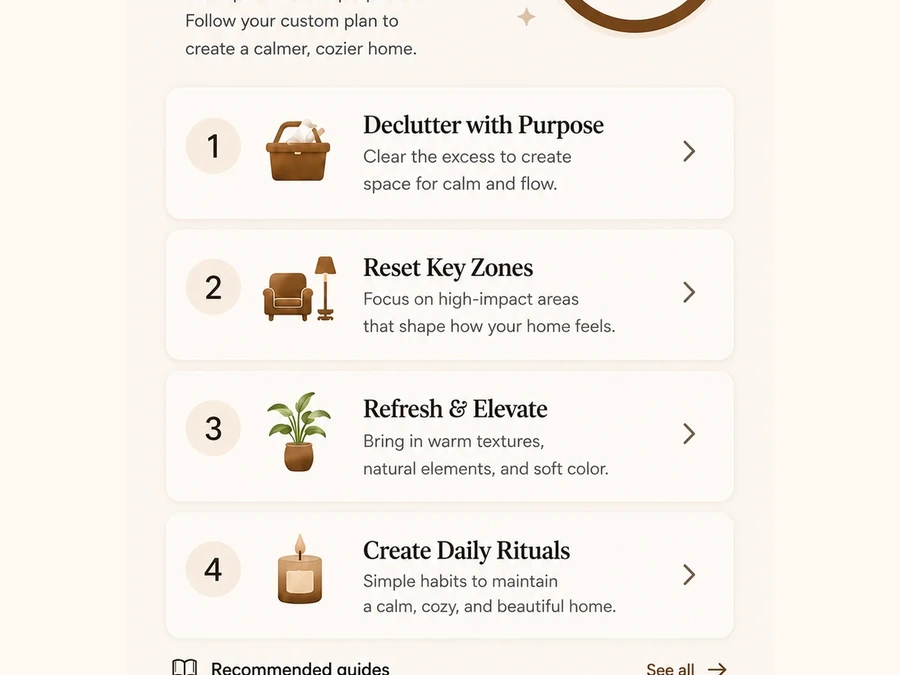
Personalized room reset result

2. Get your plan

The result comes from room type, challenge, mood, budget, time, and rental status.

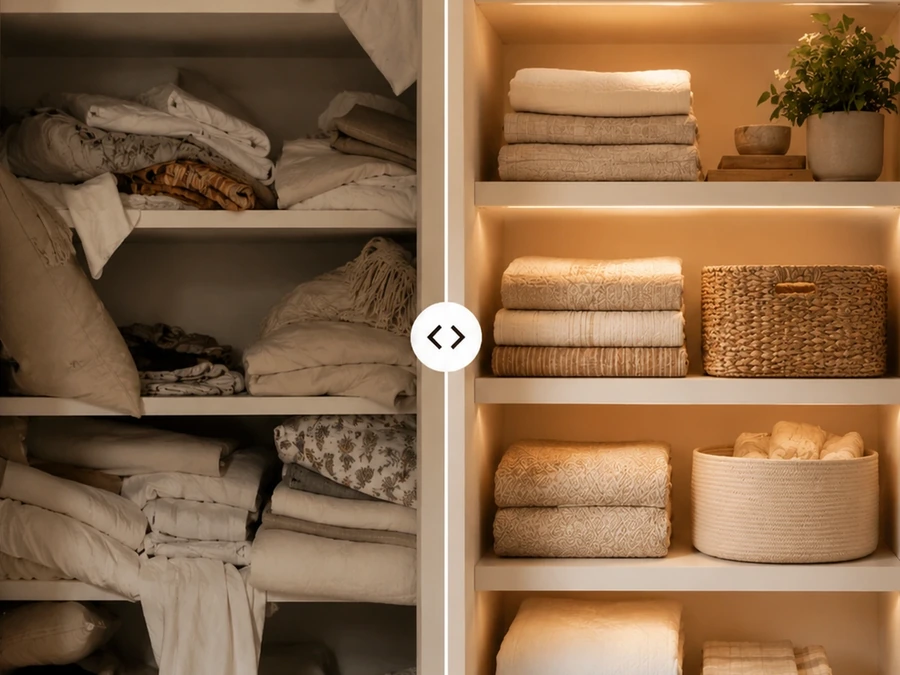
Storage route visual

3. Follow a route

Continue to the best storage, lighting, bedding, nook, or evening reset guide.

Smart internal routes

Every result should move the visitor to the next best page.

The Tools page connects the planner with Journal, Storage Finds, Cozy Picks, Bathroom Finds, Cozy Deals, and Evening Reset instead of leaving the visitor at a dead end.

Coming next

Future tools can expand this page without changing the header again.

Tools can grow slowly. Start with one strong planner, then add new tools only when they support real site routes.

Storage Reset Finder

Future tool for choosing the best storage zone and recommended product category.

Evening Routine Builder

Future tool for turning room reset priorities into a calm evening checklist.

Small Space Mood Picker

Future tool for matching a room mood with lighting, texture, and layout ideas.

Trust rule: tools should help visitors make decisions. They should not overpromise AI image redesign unless a real image-generation workflow is added later.

Start now

Open the planner and get your first reset route.

Use the planner as the entry point, then follow the recommended guide path for the room problem selected by the visitor.

Open Room Reset Planner →