
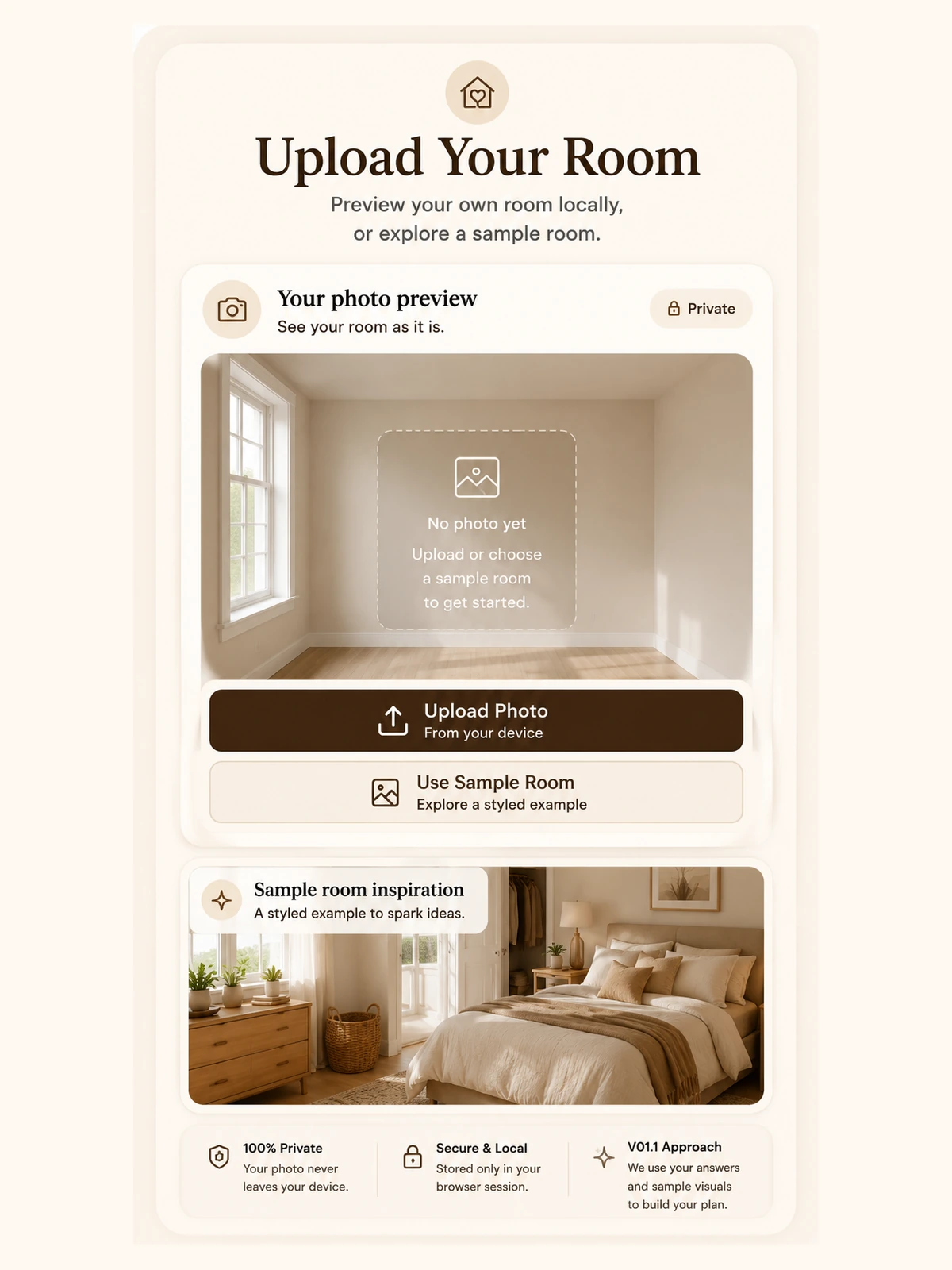
1. Upload or choose
Preview your room locally or start with a sample room.
Plan · Reset · Rest
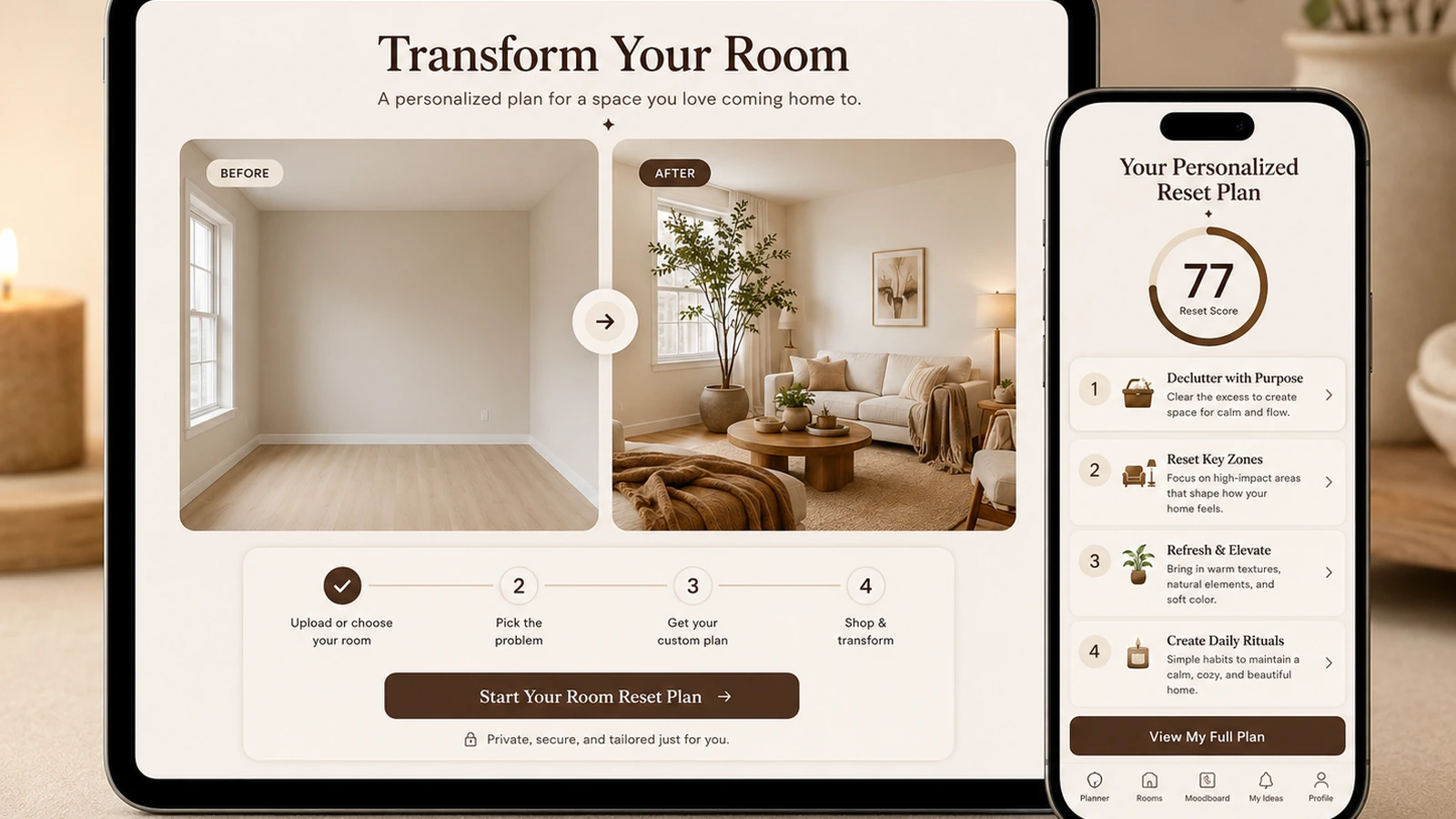
Upload a room photo or answer a few questions to get a calm, practical reset plan for storage, lighting, layout, and cozy details.
Your room preview will appear here. You can also use the sample room.
In this static version, your photo is previewed in your browser only. Nothing is uploaded.
Room type
Main challenge
Mood
Budget
Time available
Rental status
Calm · $0 reset · 10 minutes · Rental-friendly
Conversion route
Finish your room reset with a calmer evening routine you can repeat tonight.
Open the Evening Reset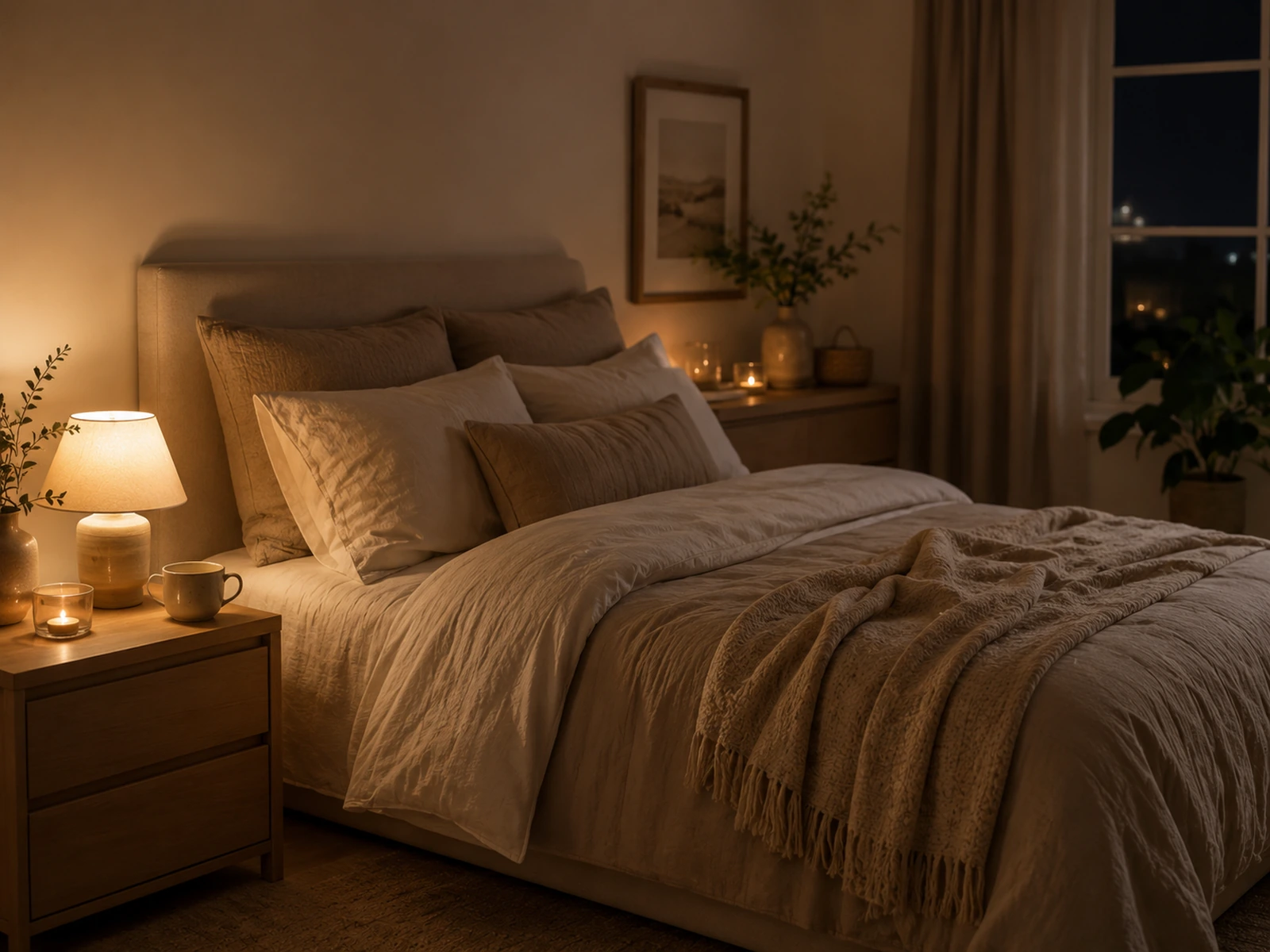
Simple steps
The tool uses your choices to generate practical priorities. The photo acts as a local preview and visual anchor.
Preview your room locally or start with a sample room.
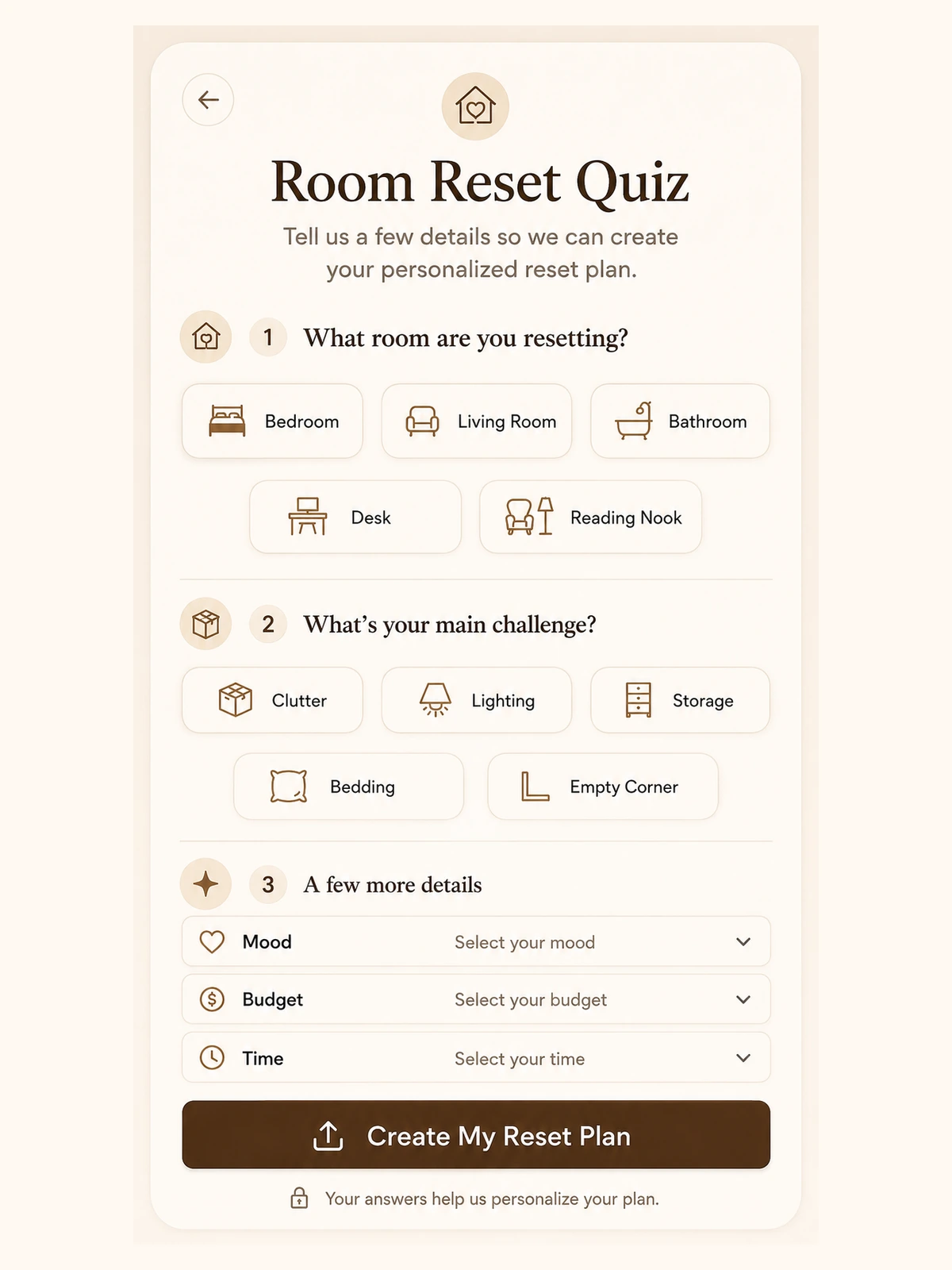
Choose room type, challenge, mood, budget, time, and rental status.
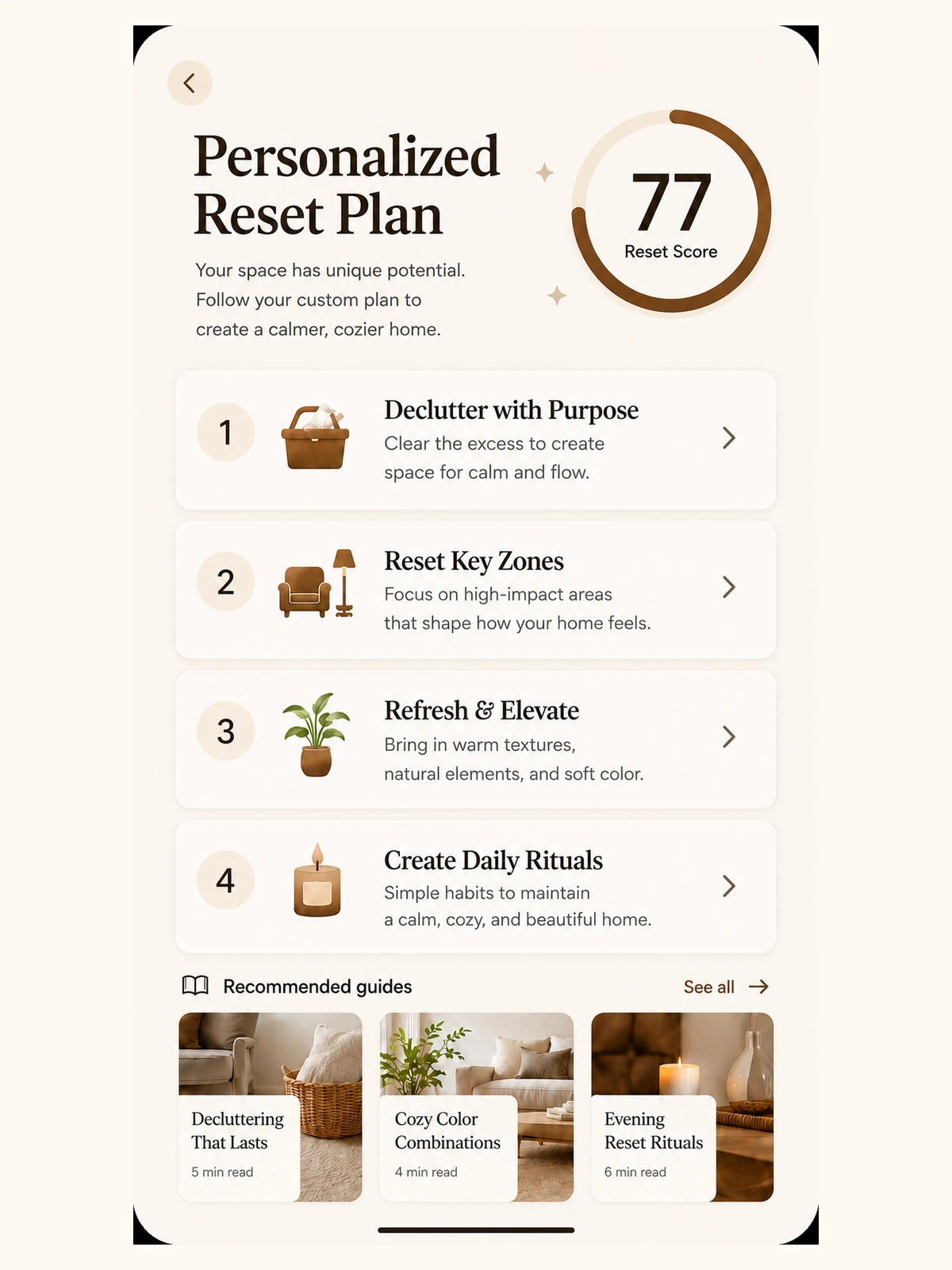
Get your score, diagnosis, priorities, and guide route.
Visitor flow
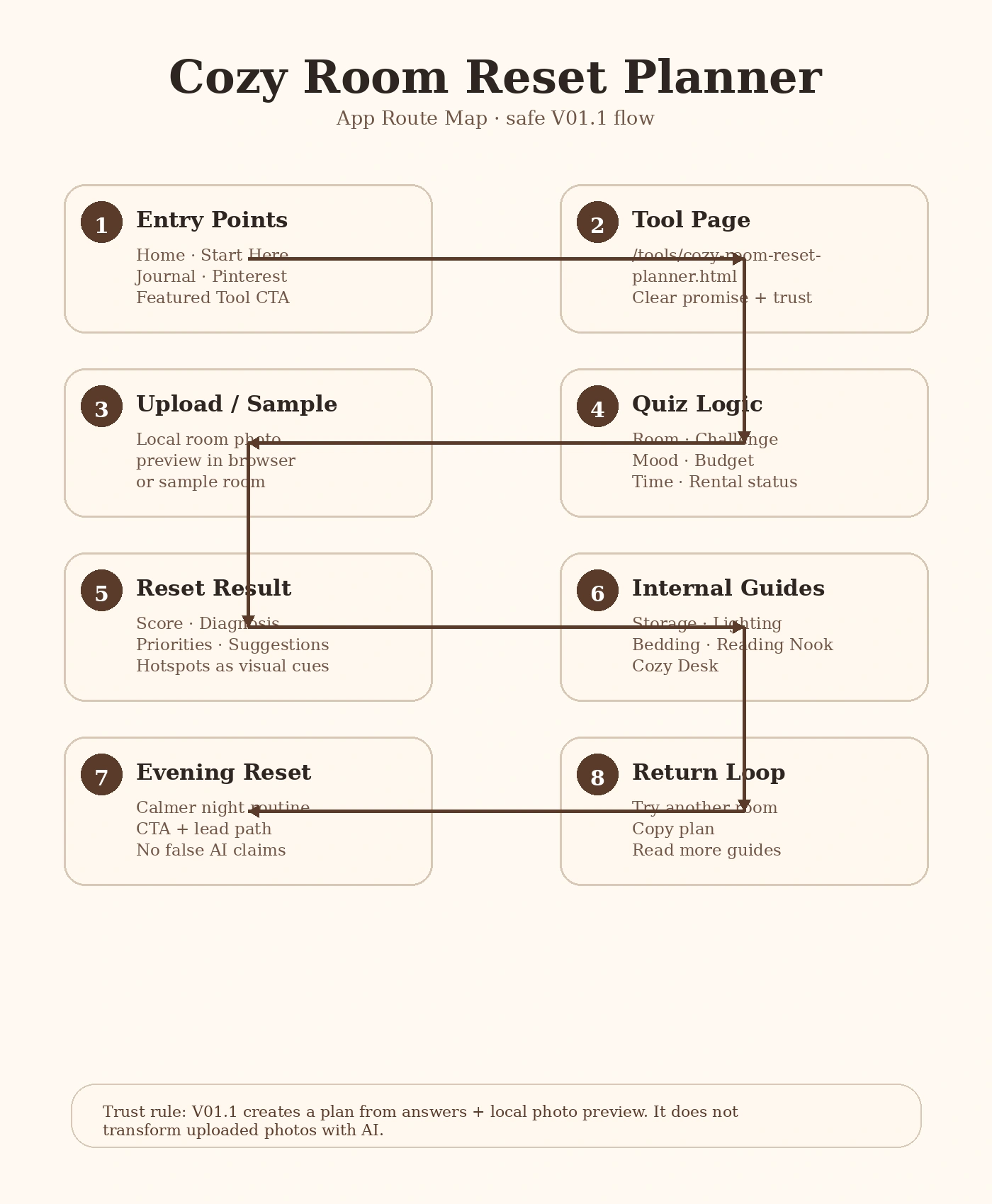
Entry point → tool → upload/sample → quiz → reset result → internal guides → Evening Reset → return loop.
Internal guide routes
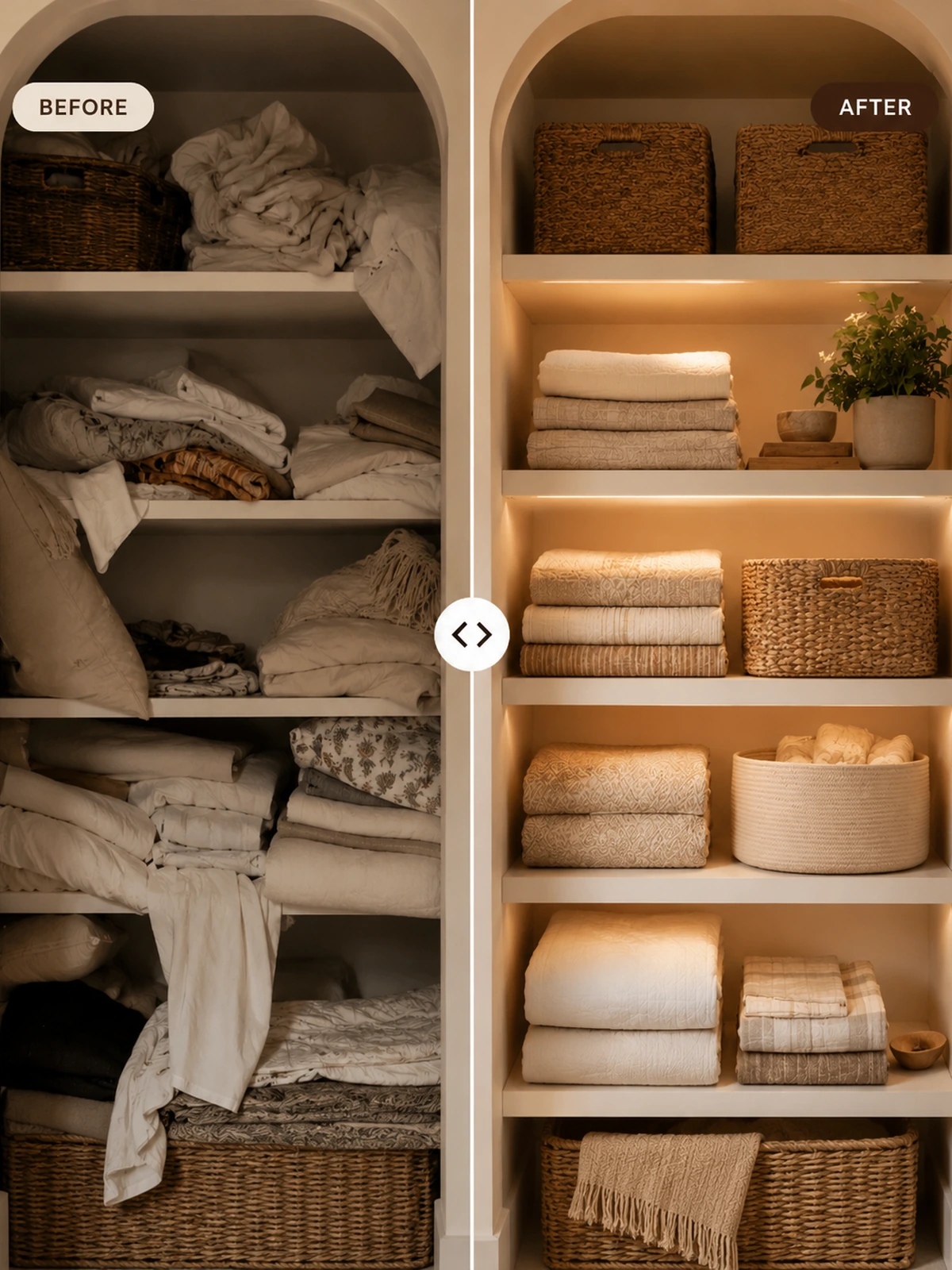
Reduce visual clutter with one practical storage zone.
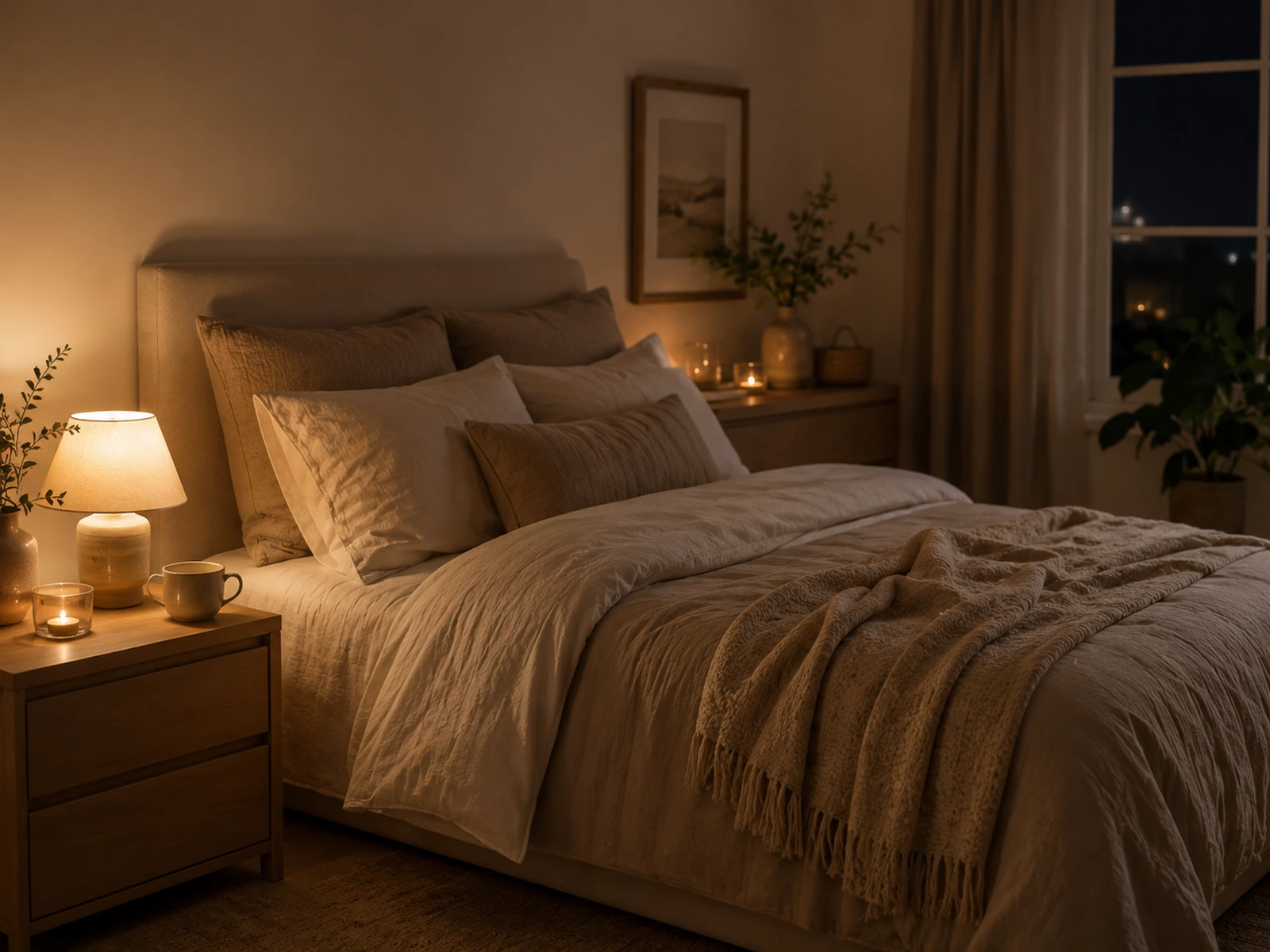
Layer warm light to make the room calmer.

Build a calmer bed with simple layers.
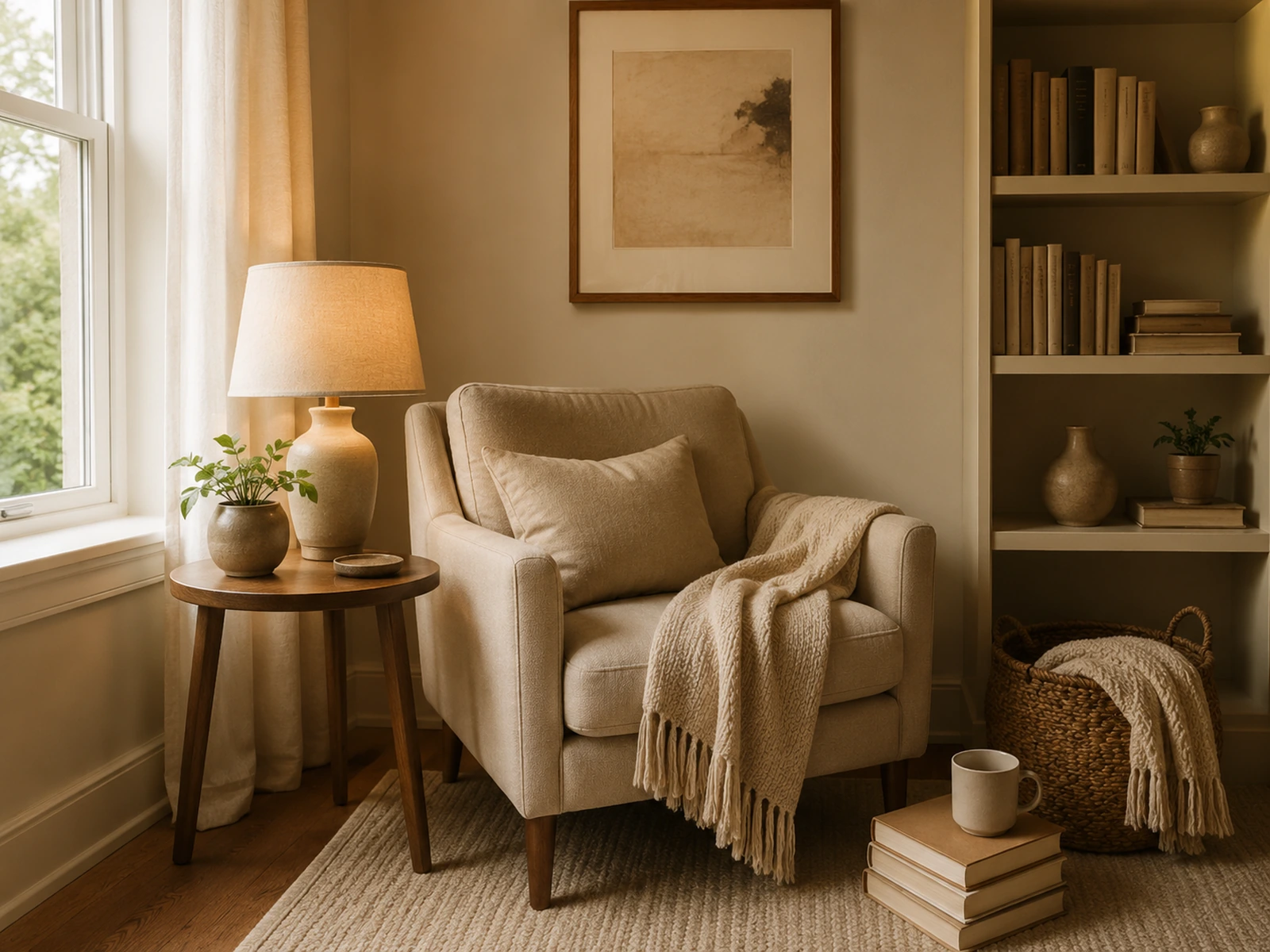
Turn one corner into a warm pause.
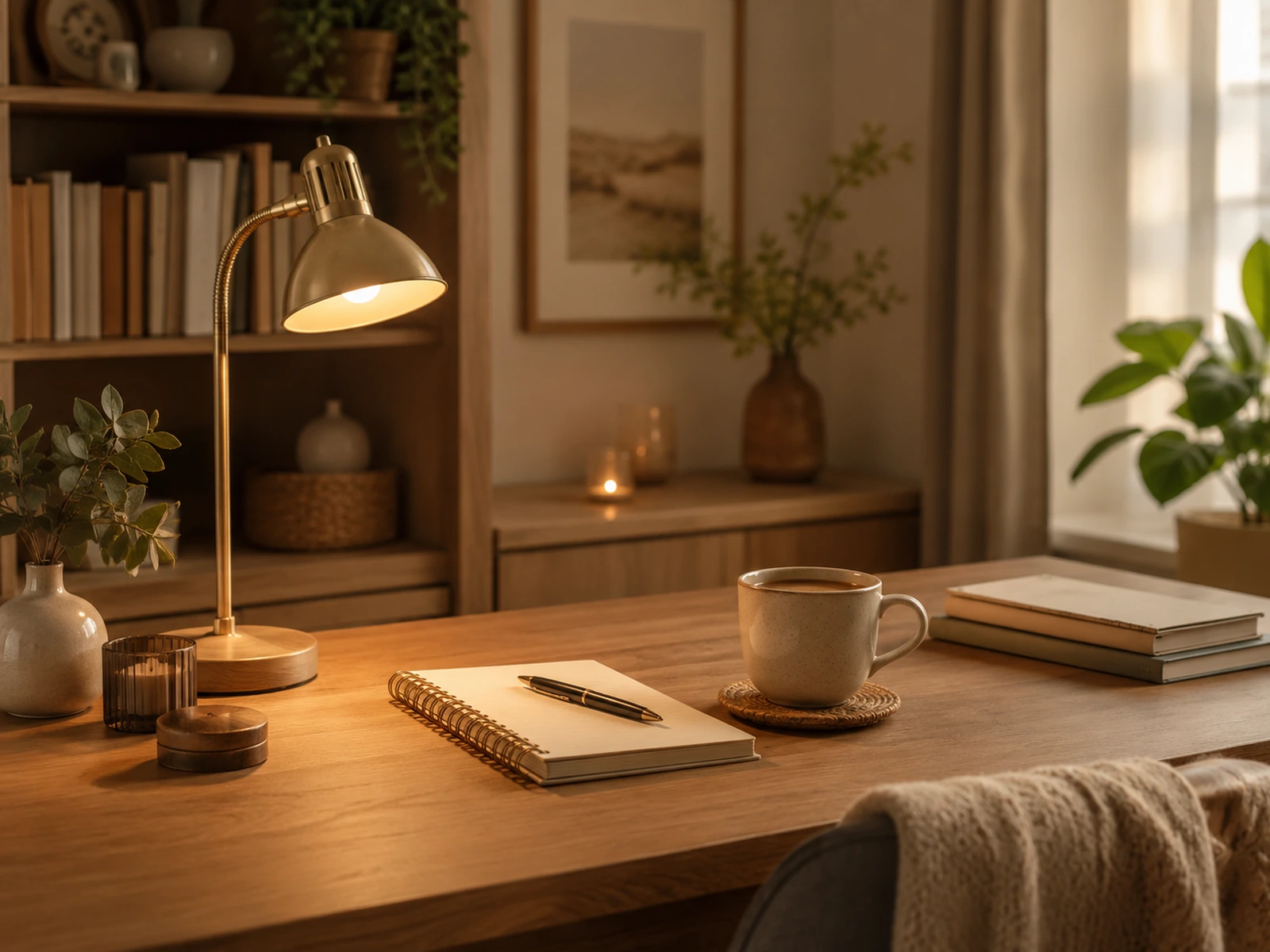
Make your workspace easier to reset.
Finish with a calmer night routine.
Free routine path
After the planner gives your priorities, use Evening Reset to turn the room into a repeatable calm routine.
Open the Evening ResetTrust and usage
No. This version gives a personalized cozy reset plan from your photo preview and answers. It does not generate a full AI room redesign.
No. Your photo is previewed locally in your browser only and is not uploaded by this page.
A reset score, diagnosis, four priorities, storage, lighting, and texture suggestions, plus related guides.